


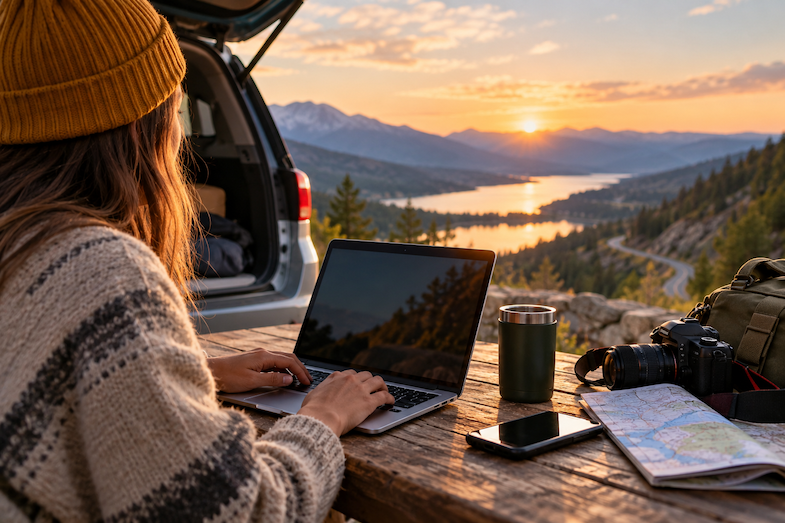
There is something wonderfully simple about a road trip. You throw a few bags in the car, check the route, pick a playlist, and tell yourself you will figure out the rest along the way. Then your phone buzzes. Your boss needs a file. A client wants a quick answer. You need to book tonight’s hotel. Your bank sends you a notification. Suddenly, that peaceful drive through the countryside has turned into a mobile office.
The tricky part of working while travelling isn’t finding an internet connection because WiFi networks are everywhere now. It is about remembering that every coffee shop or campground connection comes with its risks. A few simple habits can help you stay connected without becoming careless about your digital security.

That Free WiFi Isn’t Really Free
Picture this. You have been driving for four hours. You pull into a small cafe, order something cold, and finally get a chance to sit down. Your laptop connects to the cafe’s WiFi in seconds. You open your email, download a document, log into your company’s cloud storage, and perhaps check your bank account while you’re there. Nothing feels unusual about it. That’s precisely the problem.
You have no idea who else is connected to that network or how well it is protected. Even when the network is legitimate, public WiFi can create opportunities for attackers to trick you into connecting to a malicious network that pretends to be the real thing. That doesn’t mean you should spend your road trip paranoid about every WiFi signal. It means you should treat public networks differently from your home connection.
If you work for yourself or run a small company, using a small business VPN can add another layer of protection when you have to work from unfamiliar networks. It can encrypt your internet traffic, making it harder for someone else on the same network to snoop on what you’re doing.
Your Hotel Room Isn’t Automatically a Safe Office
Hotels create another interesting problem. You get back from dinner, open your laptop on the little desk in your room, and decide to clear a few emails before bed. The hotel’s WiFi works well enough, so you start sending files and answering messages. But hotel networks are shared by hundreds of strangers.
You wouldn’t leave your laptop sitting unattended in the hotel lobby. You shouldn’t assume that the network connecting it to the internet deserves complete trust either. There’s also the temptation to use whatever device is available. Maybe the hotel has a business centre with a computer you can use to print a document or check something quickly.
It’s best to avoid logging into anything important from a shared computer. You don’t know what software is installed or whether the next person sitting down will have access to information you accidentally left behind. Your own phone and laptop are usually the safer choices.
Your Phone Is More Important Than Your Laptop
Your phone probably has access to your email, cloud storage, work apps, banking, social accounts, photographs, travel bookings, and perhaps the digital keys to your hotel room or car. It has also become one of the most important pieces of road trip gear, serving as your navigation system, communication device, entertainment centre, camera, and emergency contact list all at once. Lose the phone, and you haven’t just lost a piece of hardware. You’ve potentially lost access to a surprisingly large part of your life.
Before leaving home, make sure your phone has a strong passcode, and that important accounts use additional authentication. Turn on the device’s tracking features, too. And don’t make the mistake of leaving your phone sitting on a cafe table while you go to the counter. That sounds obvious until you’re travelling, distracted, carrying a backpack, checking directions, and trying to remember whether you already paid for parking. Road trips have a way of making people forget the basics.
Your Road Trip Doesn’t Need to Become a Digital Lockdown
None of this means you need to spend your holiday checking security settings every fifteen minutes. The whole point is to make a few sensible precautions automatic. Use your own devices. Keep them updated. Be selective about public WiFi. Use additional authentication on important accounts. Consider a VPN when you’re working over networks you don’t control. Most importantly, pay attention to what you’re doing.
If you’re sitting in a roadside cafe answering a quick email, ask yourself whether you really need to open your company’s most sensitive files on that network. If you’re using your phone to book a hotel, make sure you’re on the legitimate booking site. If a stranger’s laptop suddenly appears on your desk because they want to “share” something with you, don’t plug in an unknown USB drive just because it seems convenient.
Leave Room for the Unexpected
You miss a turn but the scenic route takes two hours longer than expected. A restaurant you bookmarked is closed but you discover a beautiful viewpoint that wasn’t on your itinerary. That’s part of the fun.
Your digital life doesn’t need to become another source of stress. A little preparation before you leave can give you the freedom to work when you need to while also staying in touch with people back home. Because the goal isn’t to spend your road trip worrying about cybersecurity. It’s to make sure cybersecurity doesn’t become the reason you remember the trip.

