


There’s nothing quite like the freedom of a road trip. The open highway, spontaneous detours, quirky roadside attractions, and charming small towns make exploring by car one of the most rewarding ways to travel. But while most travelers remember to check their tires, pack an emergency kit, and download maps before heading out, one important aspect of travel preparation often gets overlooked: digital security.
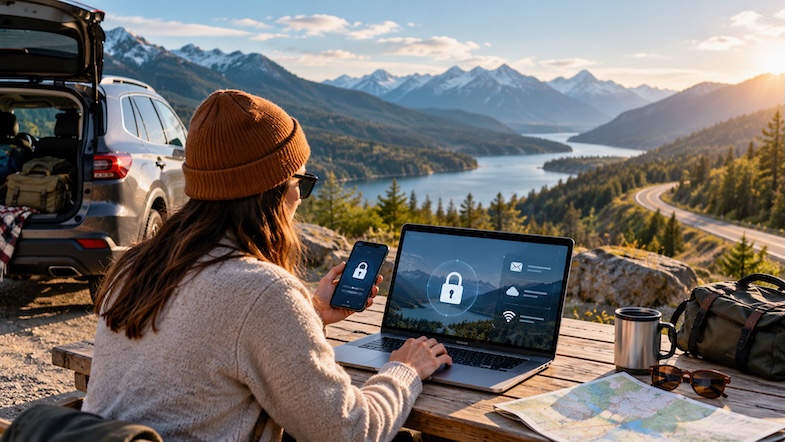
Whether you’re checking into a roadside motel, connecting to Wi-Fi at a coffee shop, or booking your next destination from a campground, staying connected has become an essential part of modern road trips. Unfortunately, using unfamiliar networks and accessing sensitive accounts while traveling can introduce cybersecurity risks.
The good news? Protecting your personal information on the road doesn’t require advanced technical knowledge. A handful of simple precautions can help safeguard your financial accounts, passwords, and private communications while allowing you to focus on the adventure ahead.
1. Protect Your Email and Personal Communications
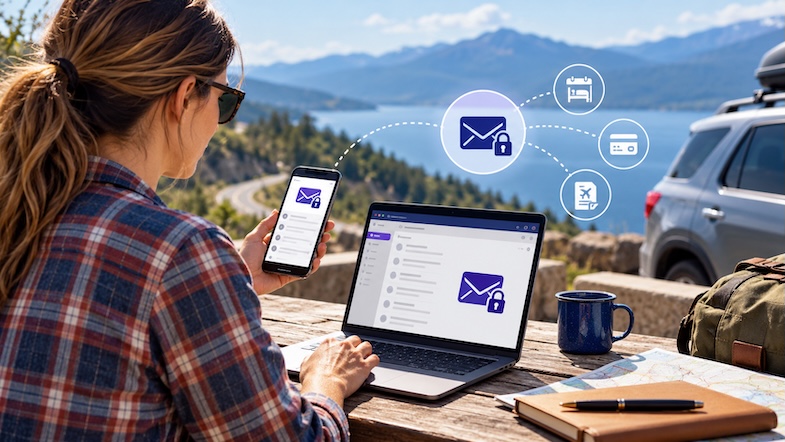
Your email account is one of the most valuable digital assets you carry on a road trip. Beyond everyday correspondence, it often contains hotel confirmations, rental car reservations, flight details, financial notifications, and password reset links.
If someone gains unauthorized access to your primary email account, the consequences can extend far beyond a compromised inbox. They may be able to access other accounts, intercept sensitive messages, or obtain information that could facilitate identity theft.
One way to strengthen your digital privacy is to use an email service with robust security features. For example, a privacy-focused mail provider can offer encrypted communications and additional safeguards for sensitive correspondence.
However, encryption alone isn’t enough. Travelers should also use strong, unique passwords, enable two-factor authentication, and avoid opening suspicious links or attachments, particularly messages claiming there’s an urgent problem with a hotel reservation or payment.
Road trip tip: Before leaving home, organize your important travel confirmations in a dedicated email folder. That way, you can quickly locate reservation information without repeatedly searching through your inbox on unfamiliar networks.
2. Prepare Your Devices Before Leaving Home
Most road trip preparation focuses on the vehicle, but your smartphone, tablet, and laptop deserve a little attention before departure, too.
Start by updating your devices’ operating systems and essential applications. Software updates frequently address security vulnerabilities that could otherwise leave your personal information exposed.
It’s also a good idea to back up important files, photos, and documents before leaving home. If a device is lost, stolen, or damaged during your trip, having a recent backup can save you considerable frustration.
Additional precautions include enabling device tracking, setting up biometric authentication or a strong passcode, and checking that your important accounts have current recovery information.
For international road trips, reviewing official government travel safety advice for road trippers can help you prepare important documents, understand destination-specific requirements, and establish emergency contact plans. The U.S. Department of State’s traveler checklist is especially useful when crossing international borders.
For domestic adventures, many of the same preparation principles apply, particularly when it comes to protecting identification, maintaining emergency contacts, and keeping secure copies of important documents.
Road trip tip: Download offline maps, campground information, hotel addresses, and essential travel documents before heading into remote areas. Doing so reduces your dependence on unfamiliar Wi-Fi networks and helps when cellular service disappears.
3. Be Cautious When Using Public Wi-Fi Networks
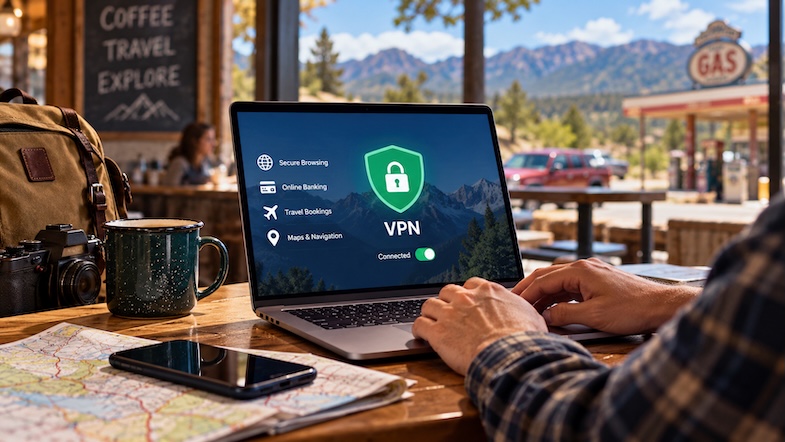
Public Wi-Fi can be incredibly convenient on a long road trip. From coffee shops and roadside restaurants to visitor centers and hotels, free internet access makes it easy to check directions, communicate with family, or research the next stop.
However, not every wireless connection deserves your trust.
Cybercriminals sometimes create fraudulent hotspots with names resembling legitimate businesses. A traveler might unknowingly connect to a fake network, exposing certain communications or becoming the target of phishing attempts.
Even legitimate public networks can present privacy concerns, especially when devices connect automatically or websites and applications use inadequate security.
Whenever possible, use your phone’s cellular connection or personal hotspot for sensitive activities such as accessing financial accounts.
If public Wi-Fi is your only option, confirm the correct network name with the business, avoid entering sensitive information on unfamiliar websites, and make sure the websites you visit use HTTPS encryption.
A reputable virtual private network, commonly known as a VPN, can provide an additional layer of privacy by encrypting traffic between your device and the VPN server. While a VPN isn’t a guarantee against every cyber threat, it can reduce exposure to certain risks associated with untrusted networks.
Along with reliable connectivity, having the right accessories can make digital travel considerably easier. Reviewing these underrated travel essentials for long road trips can help you prepare with useful gear, backup power sources, and other items that make life on the highway more convenient.
Road trip tip: Turn off automatic Wi-Fi connections when traveling. This prevents your devices from joining unfamiliar networks without your knowledge.
4. Use Strong Passwords and Multi-Factor Authentication
When traveling, convenience often takes priority. You’re checking reservations, navigating unfamiliar destinations, purchasing attraction tickets, and accessing multiple apps throughout the day.
Unfortunately, reusing the same password across several accounts can make life easier for cybercriminals, too.
If a password is exposed in a data breach, attackers may attempt to use it to access your email, banking, and travel accounts.
A password manager can help you create and securely store strong, unique passwords without requiring you to memorize every login.
For additional protection, enable multi-factor authentication (MFA) on important accounts, particularly email, banking, credit cards, and travel booking platforms.
MFA adds another verification requirement beyond your password. Depending on the service, this might involve an authenticator app, a passkey, a security key, or a code delivered to your phone.
Although no security measure is completely foolproof, multi-factor authentication can significantly reduce the likelihood of unauthorized account access.
Road trip tip: If you rely on an authenticator app, make sure you have a secure account recovery method before visiting areas with limited connectivity. Where supported, offline authentication methods can be especially useful.
5. Watch Out for Travel Scams and Suspicious Messages
Road trips often involve last-minute decisions. You might book a hotel from a rest stop, reserve a campsite while eating lunch, or purchase attraction tickets just hours before arriving.
That spontaneity is part of the fun, but it can also make travelers vulnerable to fraudulent websites and phishing scams.
Be particularly cautious of unexpected text messages or emails claiming that a reservation has been canceled, a payment failed, or immediate action is needed to avoid losing your booking.
Scammers frequently use urgency to encourage people to click malicious links or provide payment information without verifying the request.
Instead of following links in unexpected messages, open the official hotel, rental car, or booking application directly. If you’re uncertain, call the business using a phone number listed on its verified website.
Travelers should also be cautious when scanning unfamiliar QR codes at parking facilities, attractions, and restaurants. Fraudulent codes can redirect users to websites designed to steal personal or financial information.
Road trip tip: Save the official websites and contact information for your accommodations and major reservations before departure. This gives you a reliable reference if a suspicious message arrives during your travels.
6. Keep Your Devices Physically Secure
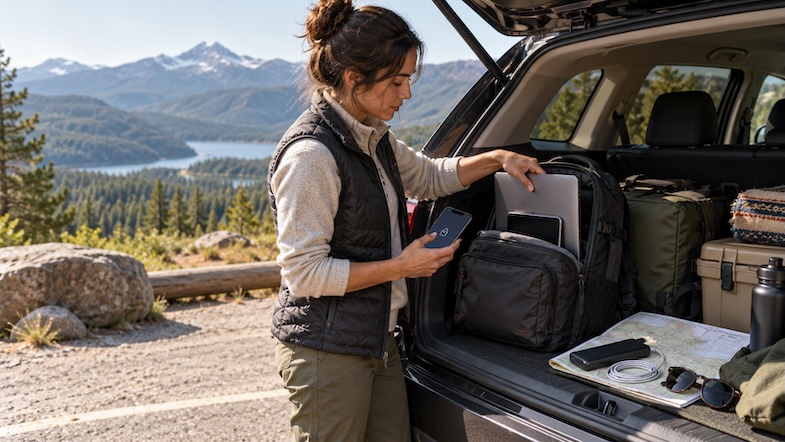
Digital security isn’t limited to what happens online. Losing a smartphone or laptop during a road trip can be just as disruptive as experiencing a cyberattack.
Between scenic overlooks, busy restaurants, hiking trails, and roadside attractions, it’s surprisingly easy to misplace a device.
Avoid leaving laptops, tablets, and other electronics visible inside a parked vehicle. Even a quick stop can create an opportunity for theft.
Enable automatic screen locking, use device location services, and make sure your devices are protected with strong authentication.
It’s also wise to be cautious when using unfamiliar public USB charging stations. While attacks involving compromised USB charging equipment are not necessarily common, carrying your own wall charger or power bank eliminates the need to rely on unknown charging hardware.
If you frequently travel through remote areas, consider bringing a portable battery pack, charging cables, and a vehicle charging adapter so your devices remain powered even when electrical outlets are scarce.
Road trip tip: Keep your most important travel information accessible through a secure backup. If your phone disappears or stops working, you’ll still need a way to retrieve reservations, directions, and emergency contacts.
7. Monitor Your Financial Accounts While Traveling
A long road trip can mean frequent transactions at gas stations, hotels, restaurants, convenience stores, and roadside attractions.
With so many purchases taking place across different locations, an unauthorized charge could be easy to overlook.
Before departure, enable transaction notifications through your bank or credit card provider. Many financial institutions allow you to receive immediate alerts when purchases are made.
These notifications can help you identify suspicious activity quickly and contact your financial institution if something doesn’t look right.
Using credit cards where appropriate may also provide certain fraud protections, depending on your card issuer and applicable policies.
Avoid checking financial accounts over unfamiliar networks when a trusted cellular connection is available, and never share verification codes or account credentials with someone who contacts you unexpectedly.
Road trip tip: Carry a backup payment method and keep it separate from your primary wallet. If a card is lost, stolen, or temporarily frozen because of suspicious activity, you’ll have another way to pay for essential expenses.
A Little Digital Preparation Goes a Long Way
One of the greatest pleasures of a road trip is the opportunity to disconnect from everyday routines and experience something new. Ironically, staying digitally secure can make it easier to enjoy that freedom.
By protecting your email, updating your devices, using public Wi-Fi cautiously, enabling multi-factor authentication, and recognizing common travel scams, you can reduce many of the digital risks associated with life on the road.
Before your next adventure, add a quick cybersecurity check to your road trip preparation routine. It takes only a little extra effort, but the benefits can last throughout your journey.
After all, the best road trip memories should involve spectacular scenery, unexpected discoveries, and interesting people — not compromised passwords or fraudulent credit card charges.
The post Road Trip Cybersecurity: How to Protect Your Personal Information While Traveling appeared first on Mike's Road Trip.

